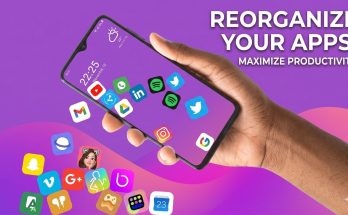
Mico – Widget & 4K Live Wallpaper App Customization today is a staple for smartphone users. Stylish wallpapers and interactive widgets are among the biggest personalization trends. If you are looking for one such app then Mico – Widget & Live Wallpaper is gaining a lot of fame.
This enables users to create animated wallpapers and creative widgets for their phone screens. Mico gives you the tools to turn your home screen into whatever you want. It’s a minimalistic view or a colorful animated layout.
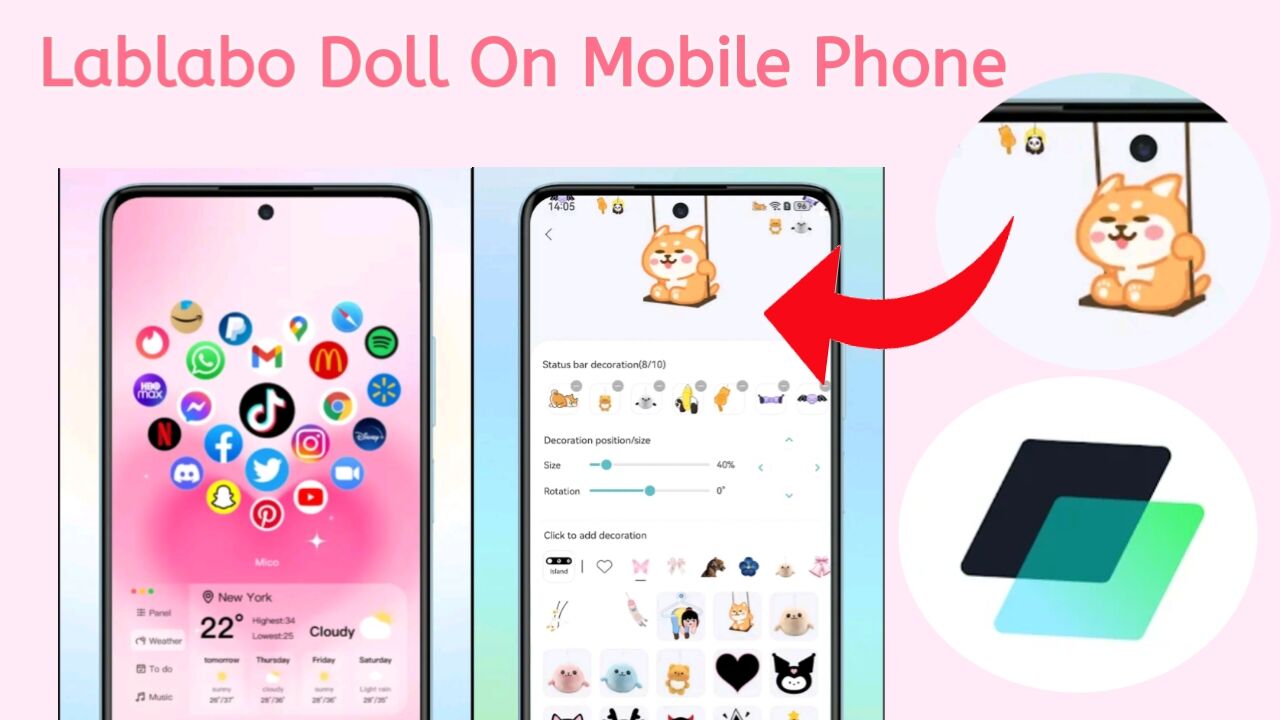
In this guide, we’ve explained what the Mico app is as well as its important features and benefits. This also provides several reasons for the use of Mico by a large number of people to customize their phones.
What is Mico Widget App
Mico is a mobile customization app focused on customizing widgets and wallpapers for home screen. A huge collection of live wallpapers, widgets, themes as well design tools are present in the app.
Users can create an entirely custom interface, as they do not have to use the default phone layout. You can animate widgets, frames for photos, a battery indicator. Even create your own wallpaper using personal photographs.
It also supports many modern system features and compatibility with new mobile operating systems.
Functions of Mico App
Live Wallpapers and Animated Backgrounds. The most charmful point of Mico is its huge collection of live wallpapers. Unlike traditional wallpaper. These feature animations and visual effects that can make your screen come to life.
- 3D wallpapers
- depth-effect backgrounds
- animated aesthetic wallpapers
- HD and 4K images
These wallpapers are designed to be fluid on recent phones and make the screen come alive.
Customizable Widgets
Widgets are small tools that surface on the home screen.
- Battery widgets
- Photo widgets
- Animation widgets
- Clock and information widgets
You can resize them and style them to get a look that matches your theme.
DIY Wallpaper Creator
Mico has another powerful feature. Users can customize wallpaper from pictures, stickers and filters.
- convert personal photos into live wallpapers
- Add creative frames and effects
- adjust colors, layouts, and cropping
- Face unique backgrounds for your phone
This feature is especially useful for users. Those who want to create their own custom screens rather than work off existing designs.
Lock Screen Customization
The app can also be used to customize the lock screen. Users can add widgets, animated icons and various design styles.
photo frame widgets,
animated icons,
aesthetic theme packs,
step counter widgets
Some widgets can also show stats such as steps per day when integrated with health apps.
How to Use Mico
Mico is easy to use, even for novices. Many of its features are just a few taps away.
- Download and install the app.
- Open the wallpaper or widget library.
- Choose a design you like.
- Customize it if needed.
- Set it as your home screen or lock screen.
Widgets can be built around your own photos and saved directly to your phone screen.
Pros of the Mico App
Mico is versatile and has creative features.
- easy customization tools
- high-quality HD and 4K backgrounds
- DIY design options
- stylish theme templates
- frequent updates with new content
The app is designed to be user-friendly and accessible to beginners.